Occupancy
Track unit availability and occupancy across locations.
Reports
Occupancy, revenue and arrears should be visible without combining multiple reports.
Use of the PakOs system is included in our facility management fee.
Book a demo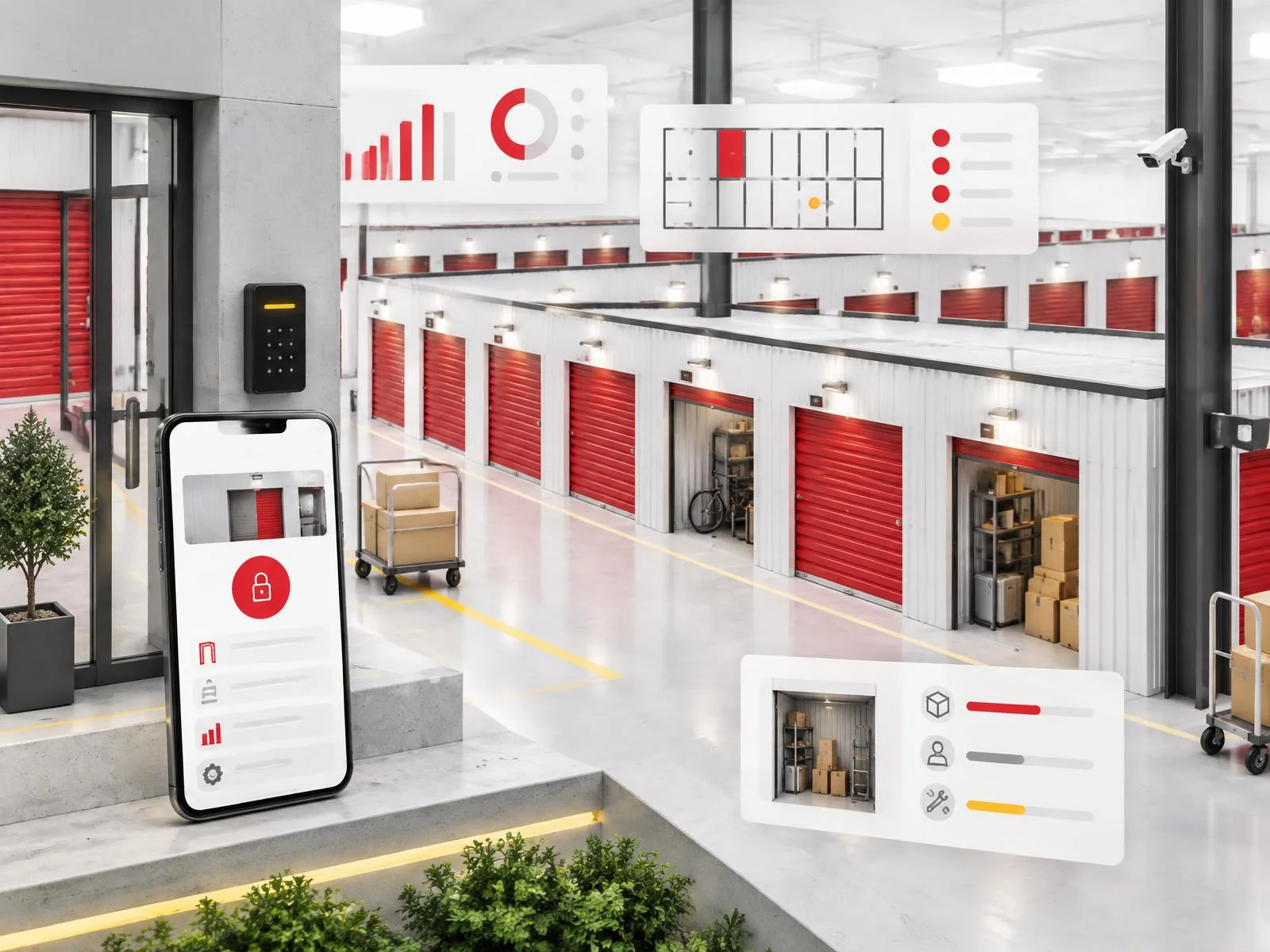
Combining spreadsheets from different sources makes it harder to assess facility performance quickly.
Rental, payment and availability data are collected in one place, making regular performance reviews easier.
Occupancy, revenue and arrears for a facility or network.
Lists of cases requiring action.
Not applicable — reports are intended for the operator and owner.
In practice
Track unit availability and occupancy across locations.
Compare rental-related financial data.
Identify cases that need action.
Requires an agreed reporting scope and access permissions.
The owner reviews the monthly report, showing occupancy by unit size, revenue and a list of arrears being handled by the operations team.
Yes, we agree the scope of data access as part of the managed operations arrangement.
PakOs for facility management
We tailor reporting views to your management model.
Use of the PakOs system is included in our facility management fee.